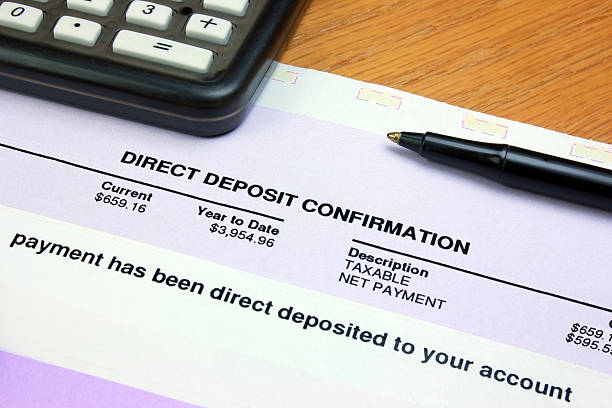
You work hard for your money, and we help you get paid 2 days sooner! No more waiting until payday.
FirstCCU now offers digital invoicing and payment acceptance, powered by Autobooks, an easy-to-use solution that includes everything you need to get paid directly into your checking account. For added convenience and security, you can access these powerful features right inside FirstCCU Online and Mobile Banking today.
Autobooks is built for small businesses across Wisconsin and Illinois: contractors, shops, service pros, landlords, nonprofits, and side hustles. If you send invoices or take payments, it's for you.
Pick one or use all four. Every payment lands in your FirstCCU business checking account.
What's in an Autobooks invoice? |
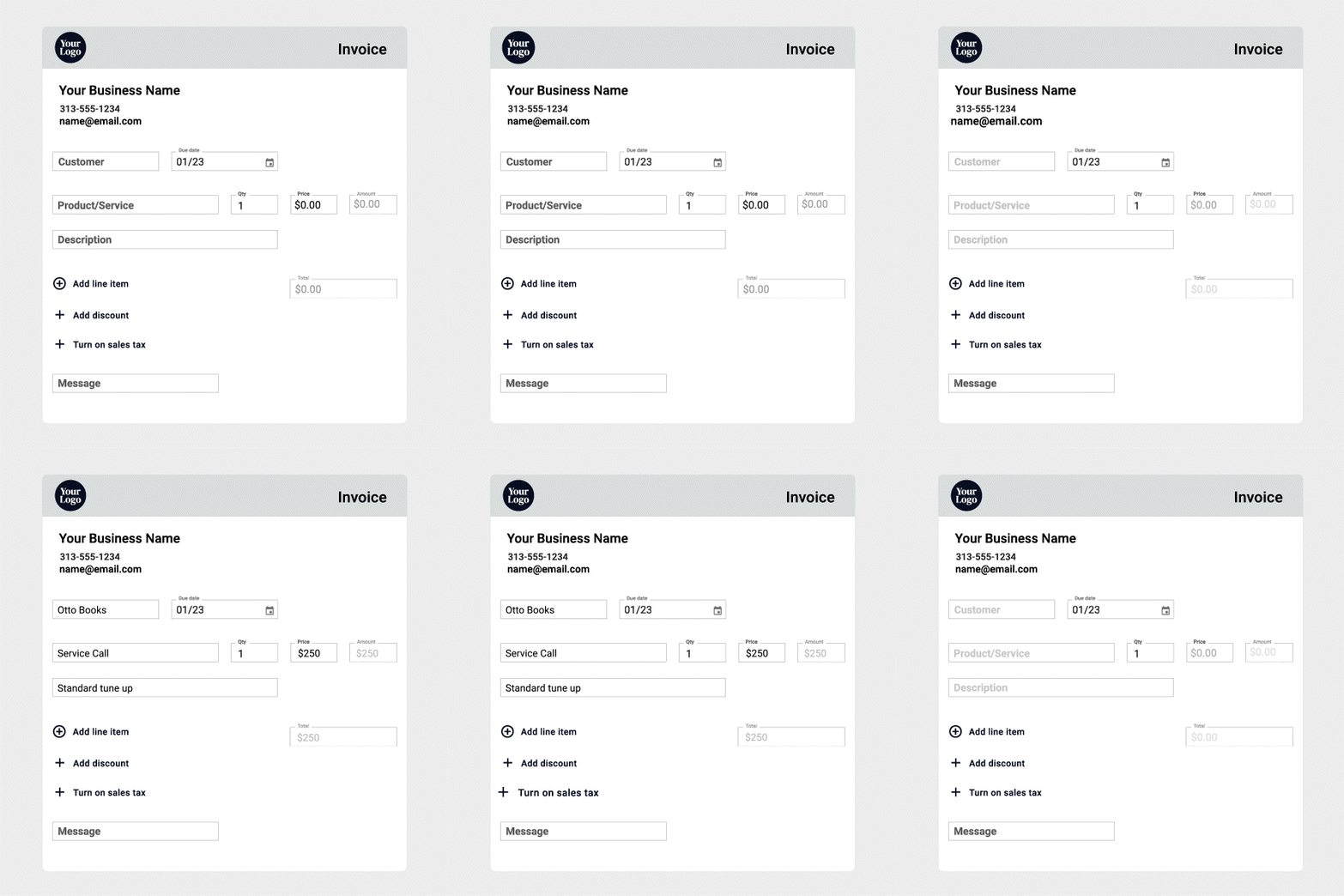
Your customer, line items, due date, and optional sales tax or discount. Build it in FirstCCU Online or Mobile Banking and email it in minutes. |
|---|---|
How does my customer pay it? |
They click Pay on the emailed invoice and pay online by credit card, debit card, or bank transfer (ACH). |
Can I bill the same customer every month? |
Yes. Create single or recurring invoices, and your customers can choose recurring payments with the click of a button. |
How fast will I get paid? |
95% of invoices are paid within five business days, so you get access to working capital more quickly. |
Can I see what’s been paid? |
Yes. Easily keep track of all invoices and all payments processed with Autobooks. Reports are easy to view and export as needed. |
What is my payment link? |
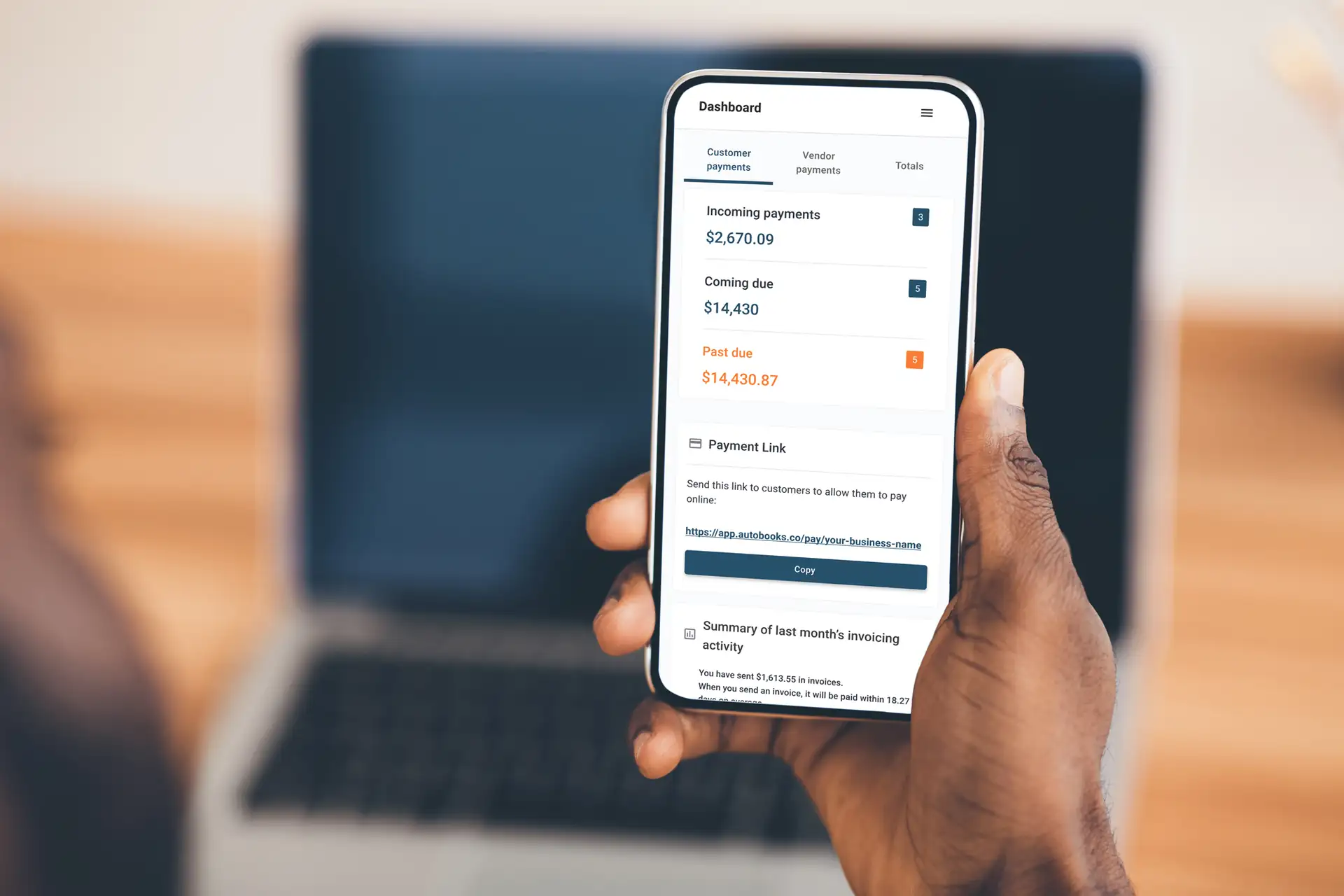
Every business gets its own link (autobooks.co/pay/your-business-name) and a matching QR code. |
|---|---|
Where can I use it? |
Anywhere you interact with customers: text, email, social media, your website, or printed for the counter. |
How does a customer pay with it? |
They tap the link or scan the code, enter the amount and their card or bank details, and pay. |
Do I have to be at my shop to get paid? |
No. Collect payments from your customers in-app, online, or over the phone. Text the link from the job site, your truck, or the counter. |
Is it safe to post my link publicly? |
Yes. Your customer’s data is protected through a secure payment process, giving both you and your customers peace of mind. |
Where does the money go? |
Directly into your FirstCCU business checking account, with every payment tracked in your Autobooks reports. |
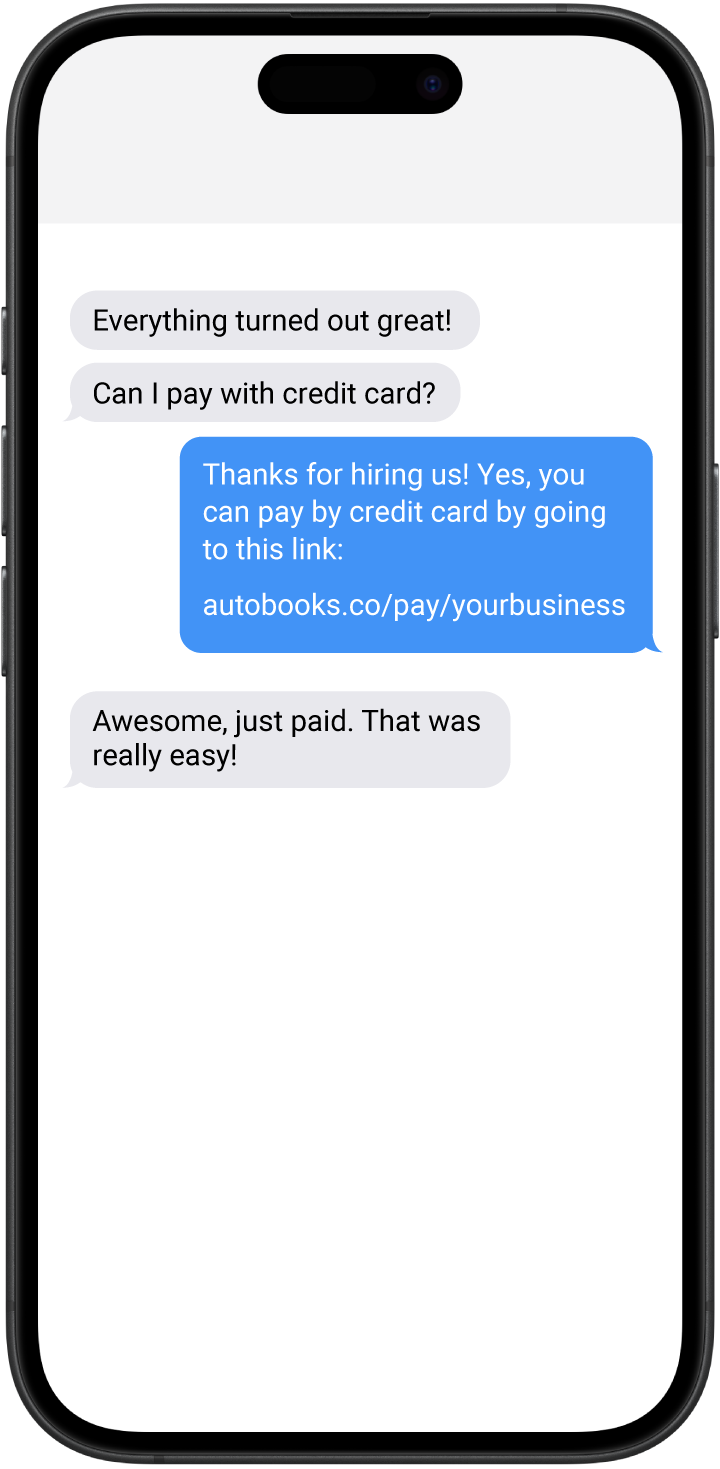
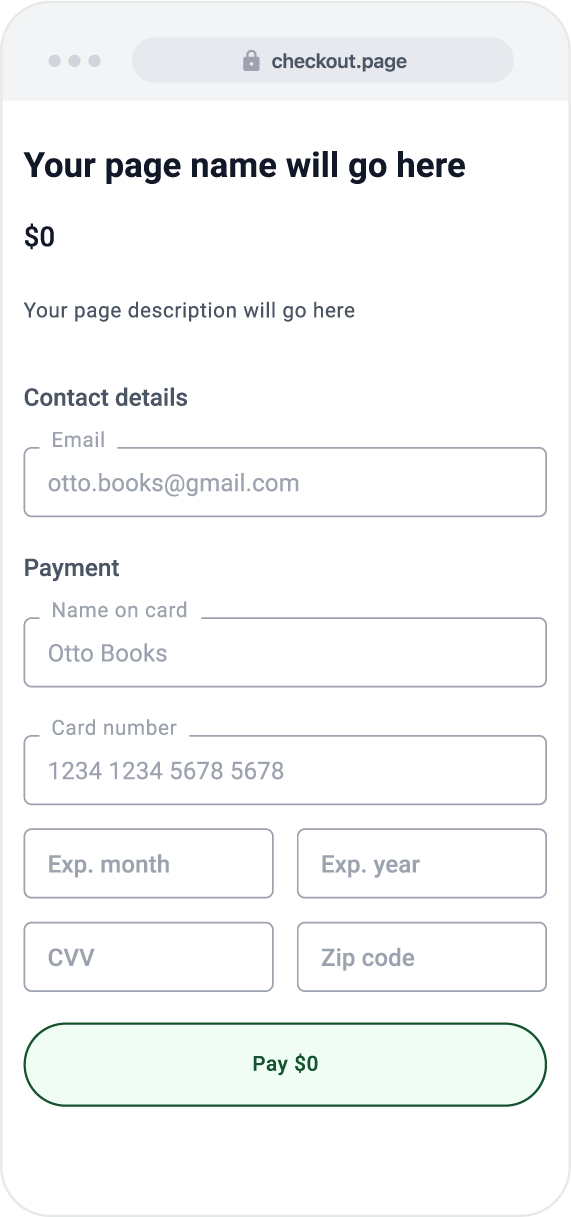
What is a checkout page? |
A simple web page you build for a product, service, deposit, or donation. Customers enter their details and pay. No invoice needed. |
|---|---|
Do I need a website? |
No. Autobooks hosts the page for you. You share the link or QR code. |
How do customers find it? |
Share the link or QR code on your website, social media, email, text, or printed materials. |
What can customers pay with? |
Credit cards, debit cards, or their bank account. |
Can I take donations with it? |
Yes. A checkout page works for donations as well as products, services, and deposits. |
What is Tap to Pay on iPhone? |
Your iPhone becomes the card reader. Open Autobooks in the FirstCCU Mobile App, choose Get paid with Tap to Pay, enter the amount, and your customer taps to pay. |
|---|---|
Do I need extra hardware? |
No reader, no terminal. A compatible iPhone and the FirstCCU Mobile App. |
What can customers tap? |
Contactless credit and debit cards, Apple Pay, and other digital wallets. |
What about phone orders? |
Choose Manual Card Entry and key in the card to collect the payment in the app. |
Where does the money go? |
Directly into your FirstCCU business checking account, with every payment tracked in your Autobooks reports. |


Pricing made easy. You pay only one simple processing fee per transaction: 3.49% for credit and debit cards, 1.00% for ACH or bank transfers. No hidden fees, no required use agreements, no contracts.
No. Autobooks is built into FirstCCU Online and Mobile Banking. Log in the way you always do and choose Accept Payments.
By credit card, debit card, or bank account (ACH). They can pay through the invoice you email them, your payment link or QR code, or a checkout page you share. In person, they can tap their card or phone on your iPhone with Tap to Pay. You can also key in a card to take payments over the phone.
Directly into your FirstCCU business checking account.
95% of invoices are paid within five business days, so you get access to working capital more quickly.
Yes. Create single or recurring invoices right inside Autobooks, and your customers can choose recurring payments automatically with the click of a button.
Yes. Every invoice and every payment processed with Autobooks is tracked in one place, and reports are easy to view and export.
You pay only one simple processing fee per transaction: 3.49% for credit and debit cards, and 1.00% for ACH or bank transfers. No hidden fees, no required use agreements, and no contracts.
Your payments land directly in your FirstCCU business checking account, you work from the online banking login you already use, and you pay one simple fee per transaction with no contract.
Ready to open a business account, or want to see how Autobooks fits your business? Kevin Arp is your local FirstCCU contact. Call, text, or email.

Kevin Arp
Call or text (608) 368-7676 or email [email protected]
Federally insured by NCUA.

Do you love better rates, fewer fees, and an all-around great service? Refer a friend to FirstCCU & you'll both get paid!